
See where the plan is without asking anyone
Everyone on the schedule. No one chasing files.
Bring the team into one live plan, then control who can view, comment, edit, or hand off work. Collaboration stays in the schedule.
Keep comments and changes tied to the schedule itself
Bring people in at the right level of access
Why the file trail breaks down
Everyone starts from the same version
No more checking which file is current at the start of every meeting.
Feedback lands where the work lives
Comments, revisions, and decisions stay attached to the plan instead of being scattered across email.
The team can keep moving after a change
Review happens against the version that is actually current. No reconciling before you move on.
How live collaboration works
Everyone sees who is in the plan, where feedback sits, and what changed.
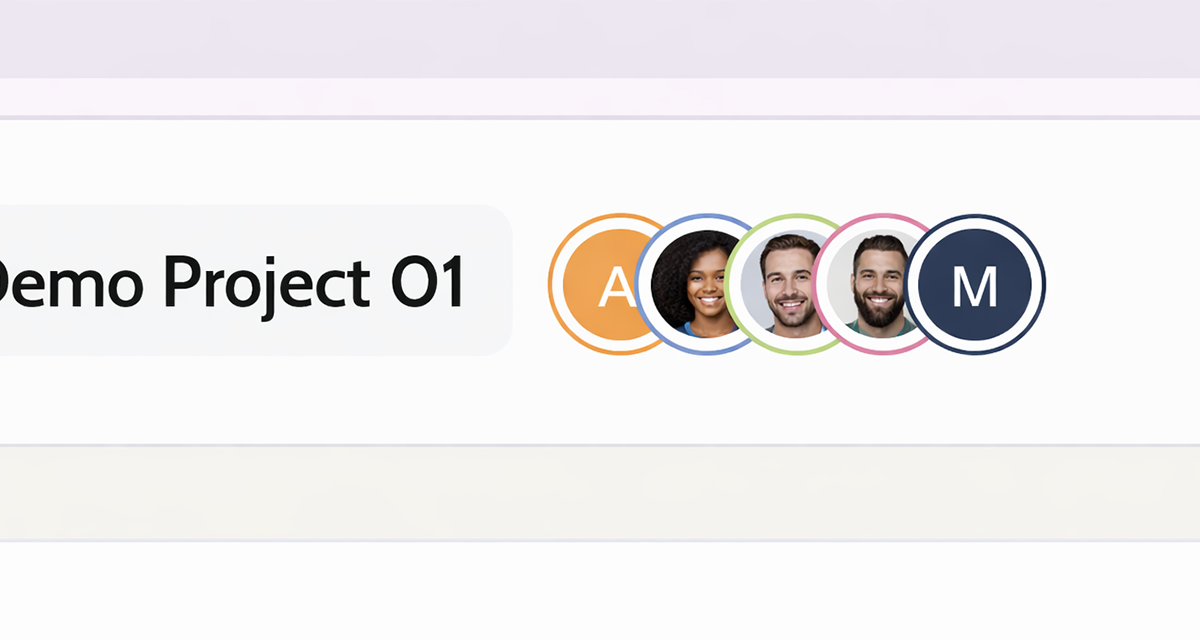
Live collaborator presence
Review speed
See who is in the plan and where they are working right now.
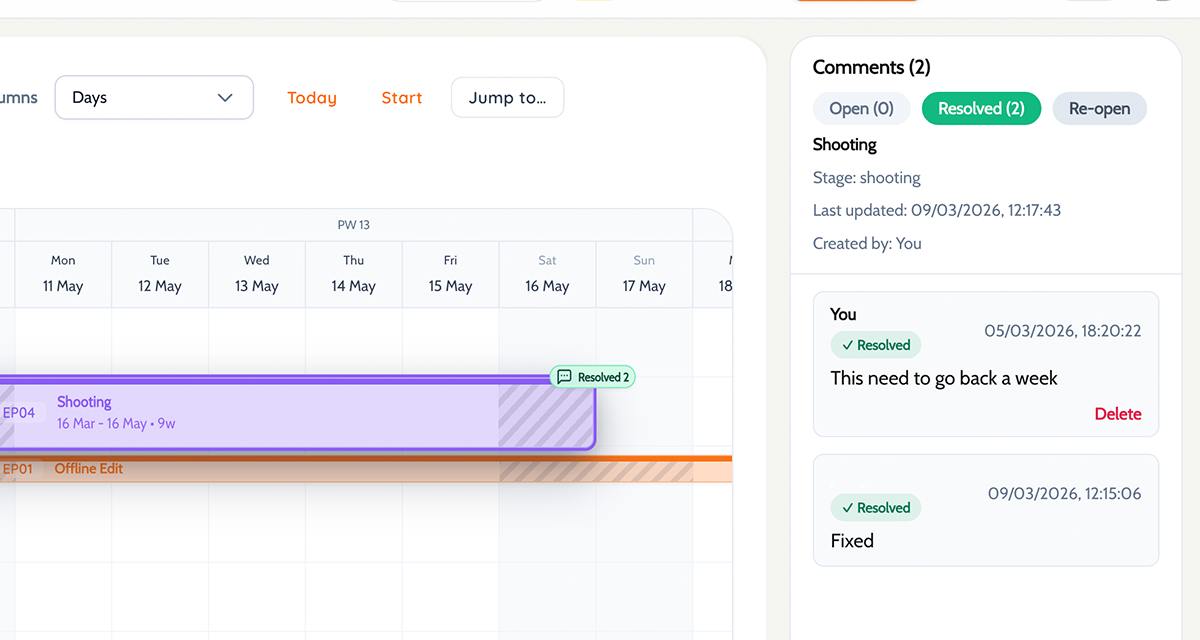
Comments in schedule context
Less back and forth
Keep decisions and follow-up against the blocks and dates they relate to.
Changes stay in the live plan
No reconciling
The team moves forward from the current schedule, not from the last file someone sent.
Placeholder: recent change history next to the live schedule
Who gets what access
Bring each person into the plan at the level that matches the job they need to do.
Internal team
Give editors and collaborators the full view. They need to see everything.
Client or stakeholder
Share a clean view. Hide the working plan and editing controls.
Freelancer or one-off contributor
Limit access to just what they need. Nothing more.
Sharing controls without the admin mess
Handoff controls keep sharing, review, and exports intentional.
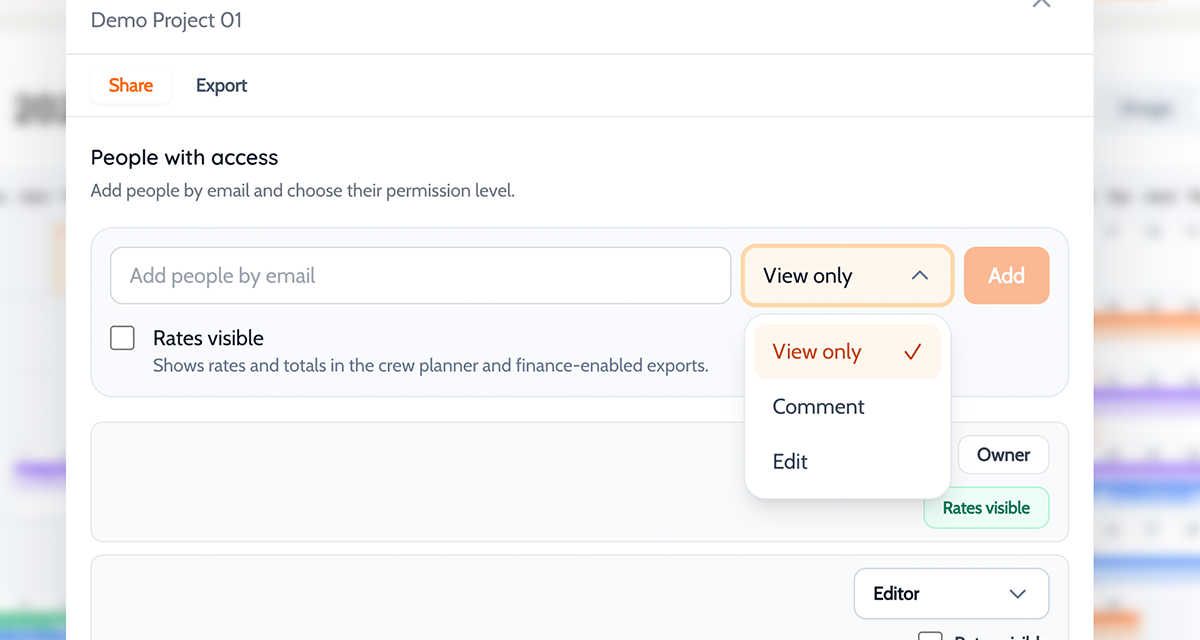
Permission-based access
Viewers, commenters, and editors each get the access that matches their role. No guessing between over-sharing or hiding work.
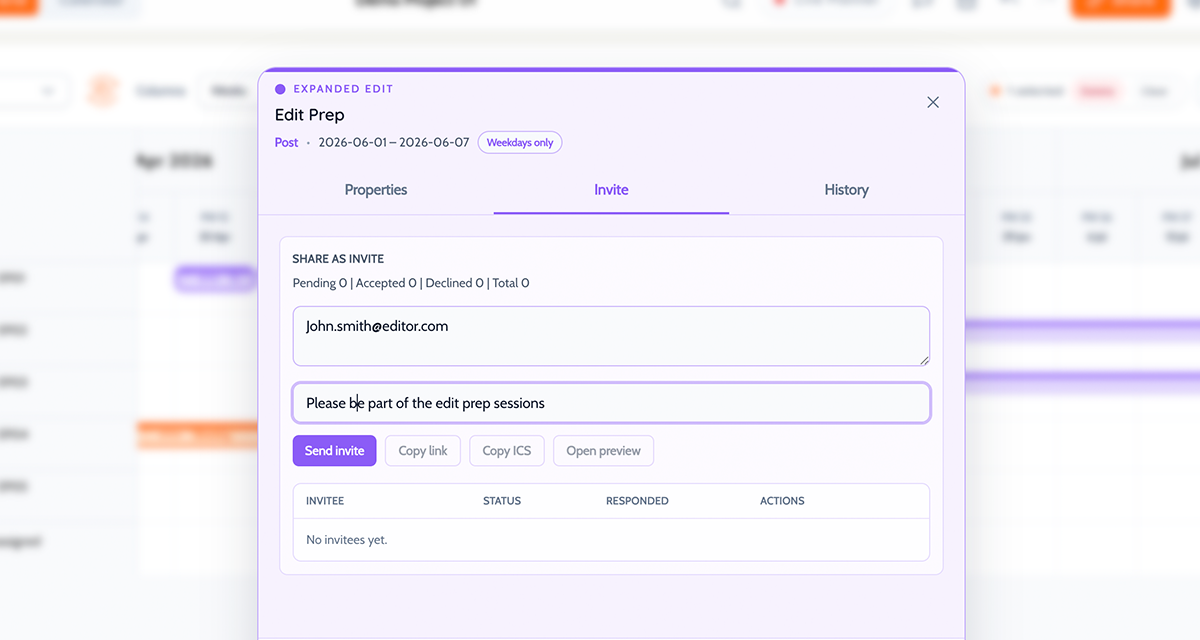
Block invites for narrow handoff
Share one part of the schedule when someone only needs one part of the work.
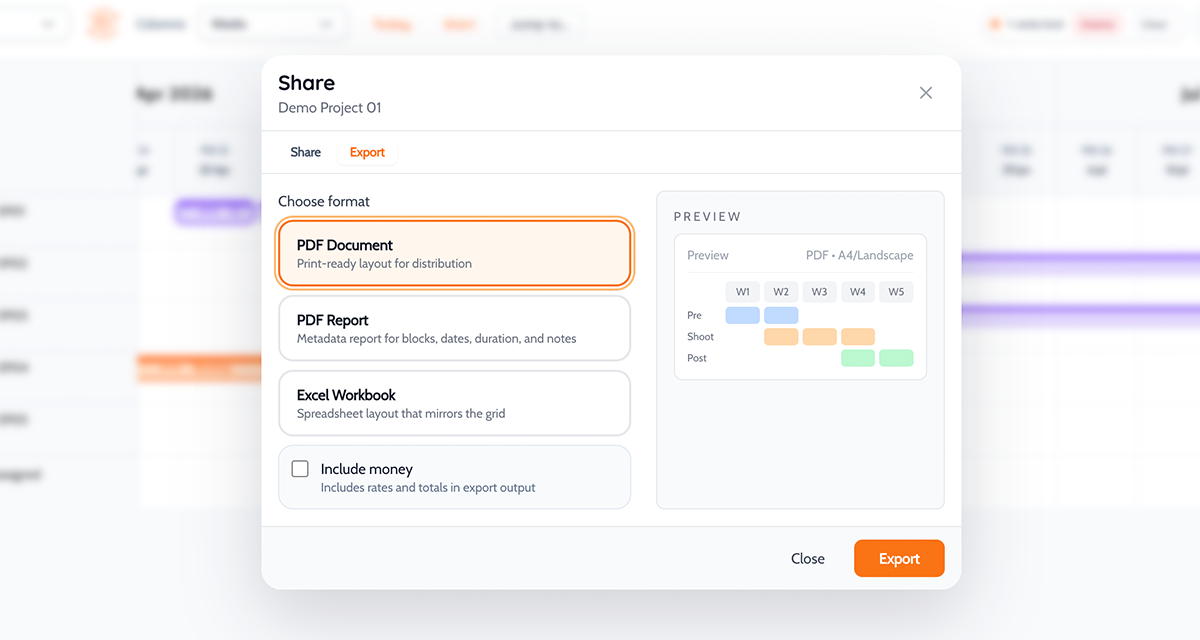
Exports when a file is genuinely better
Use static handoff when needed without turning exports into the working process.
What the file trail actually costs
Every review loop that runs outside the schedule is one more thing to reconcile later.
Moment
Sending revised files
With a live schedule
A producer changes the plan
The team waits for a revised file or message.
The update lands in the working schedule and everyone sees it in place.
A stakeholder leaves feedback
Notes arrive in chat or email with no shared schedule context.
Feedback stays attached to the relevant schedule item.
The team moves into the next decision
You have to reconcile comments with the current grid first.
The collaboration history is already sitting next to the current plan.
How it works in practice
Get the team into one live plan, set access by role, then use handoff controls only when the workflow actually needs them.
Bring the team into the live plan
Start with the working schedule, not a revised file. The point is one current place to work from.
Set access by role
Choose who should edit, who should comment, and who only needs visibility.
Use block invites or exports only when needed
Keep the live plan central for the core team, then use narrower sharing paths for one-off review or handoff.
Questions about collaboration
Straight answers on setup, fit, and workflow.
Who can edit, and who can only view?+
That depends on your plan, but access is permission-based - viewers, commenters, and editors each get their own controls.
Is this useful for external stakeholders?+
Yes. Much better than sending a static export and waiting for feedback in email.
Do exports replace live collaboration?+
No. They are a handoff tool, not the default.
Will the team know what changed?+
Yes. Because feedback stays attached to the schedule, the context is already there.
Keep collaboration in the schedule instead of around it.
Start with the live plan. Bring in the team at the right level. The schedule stays current.